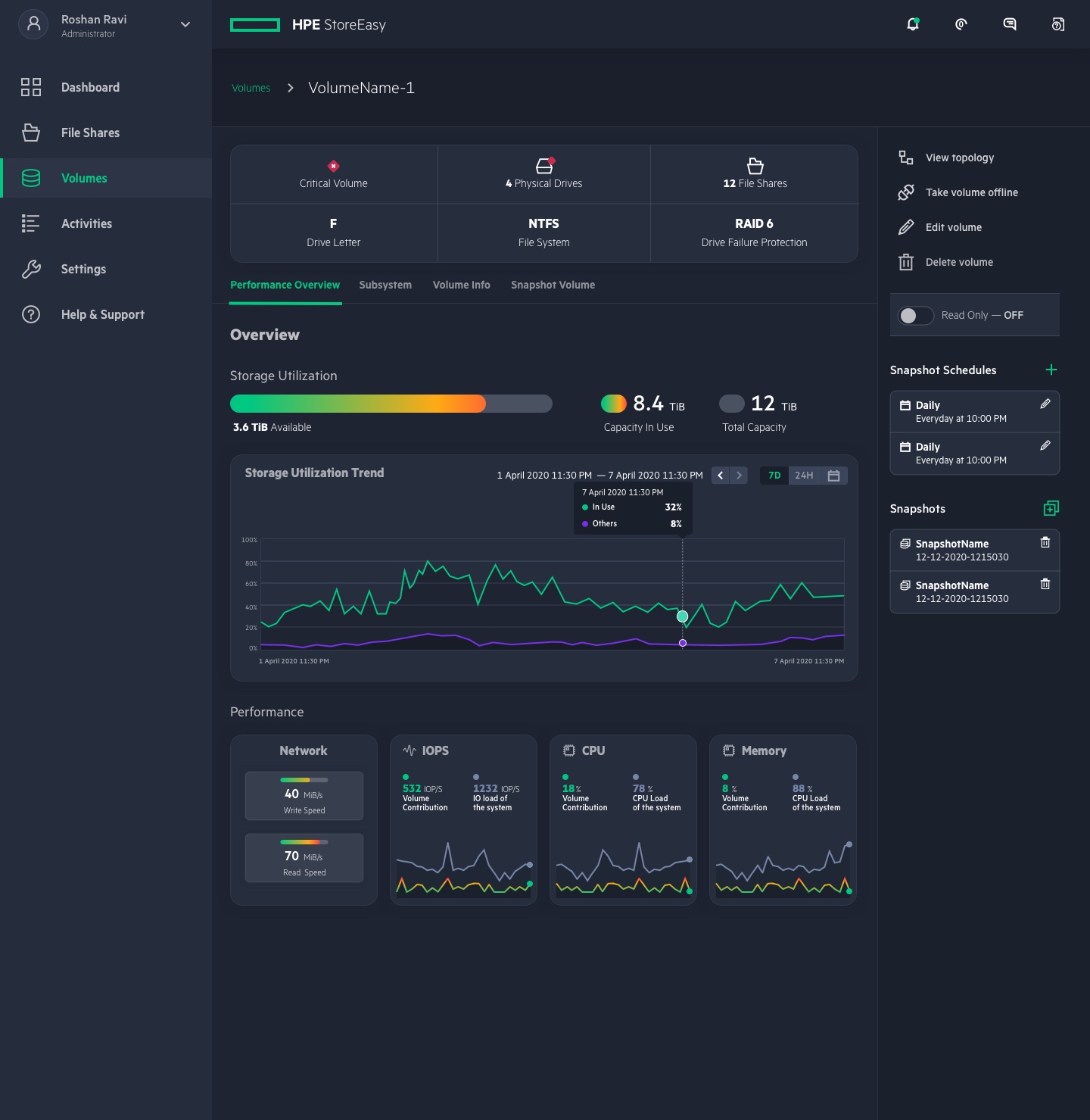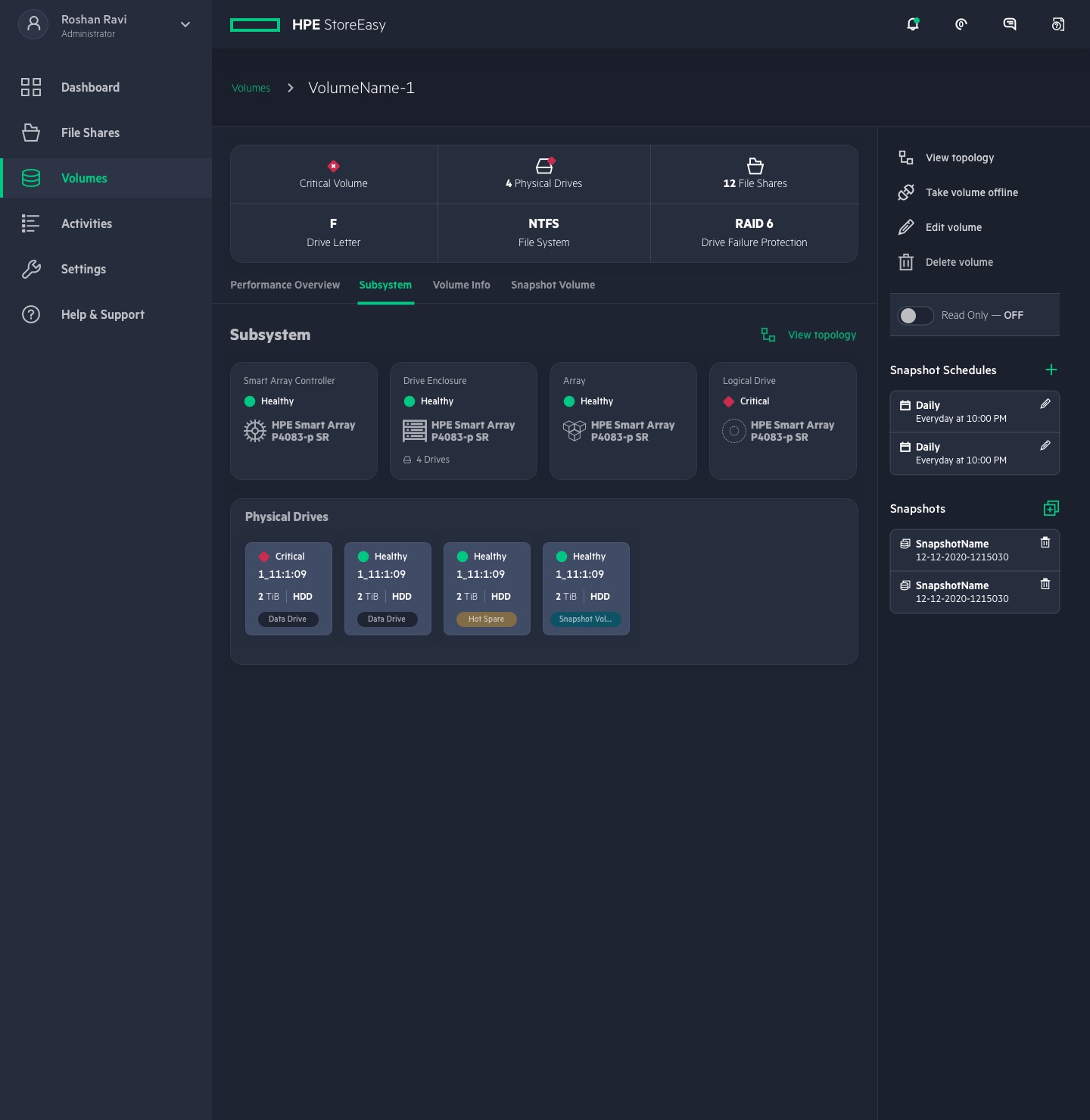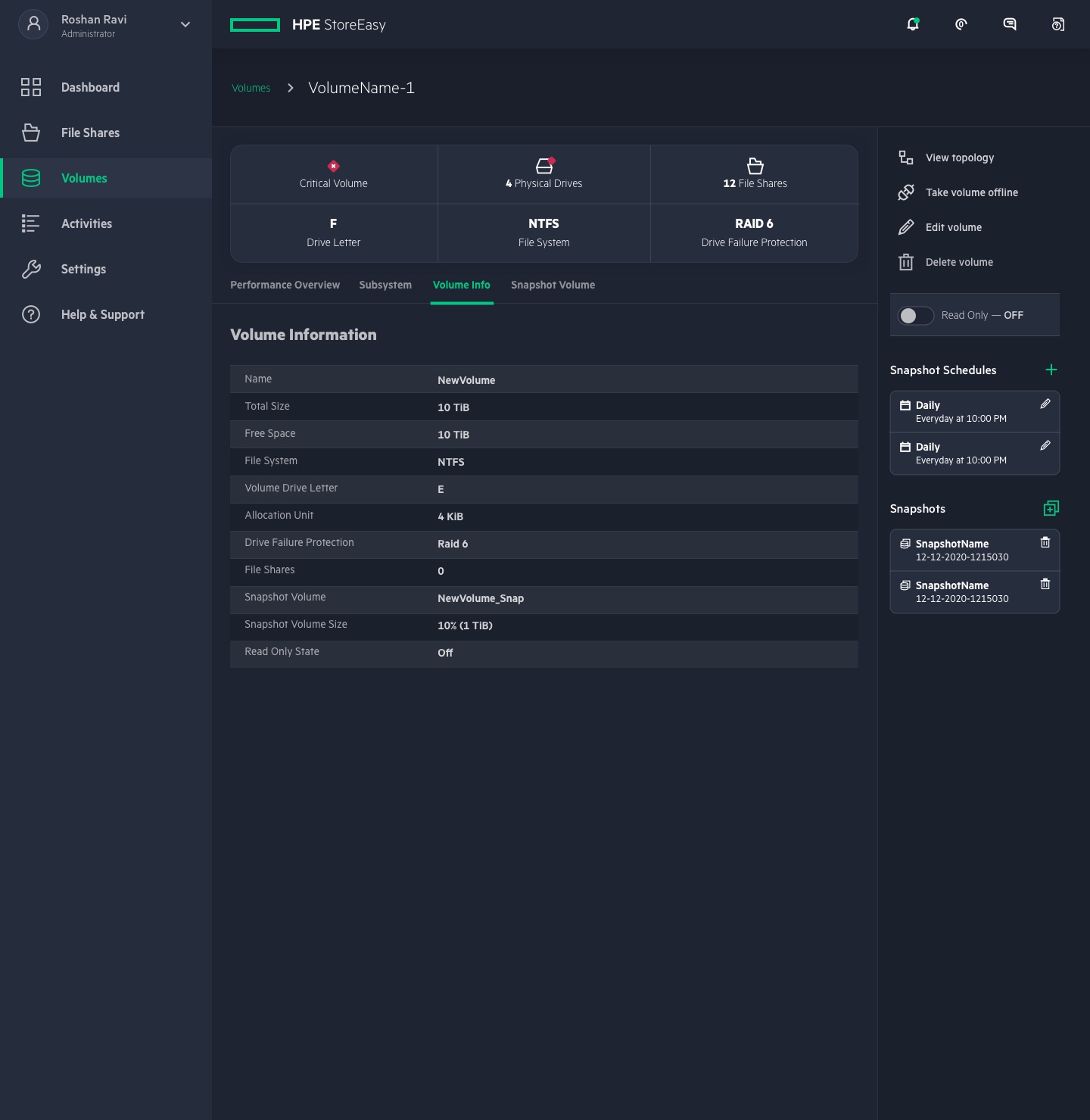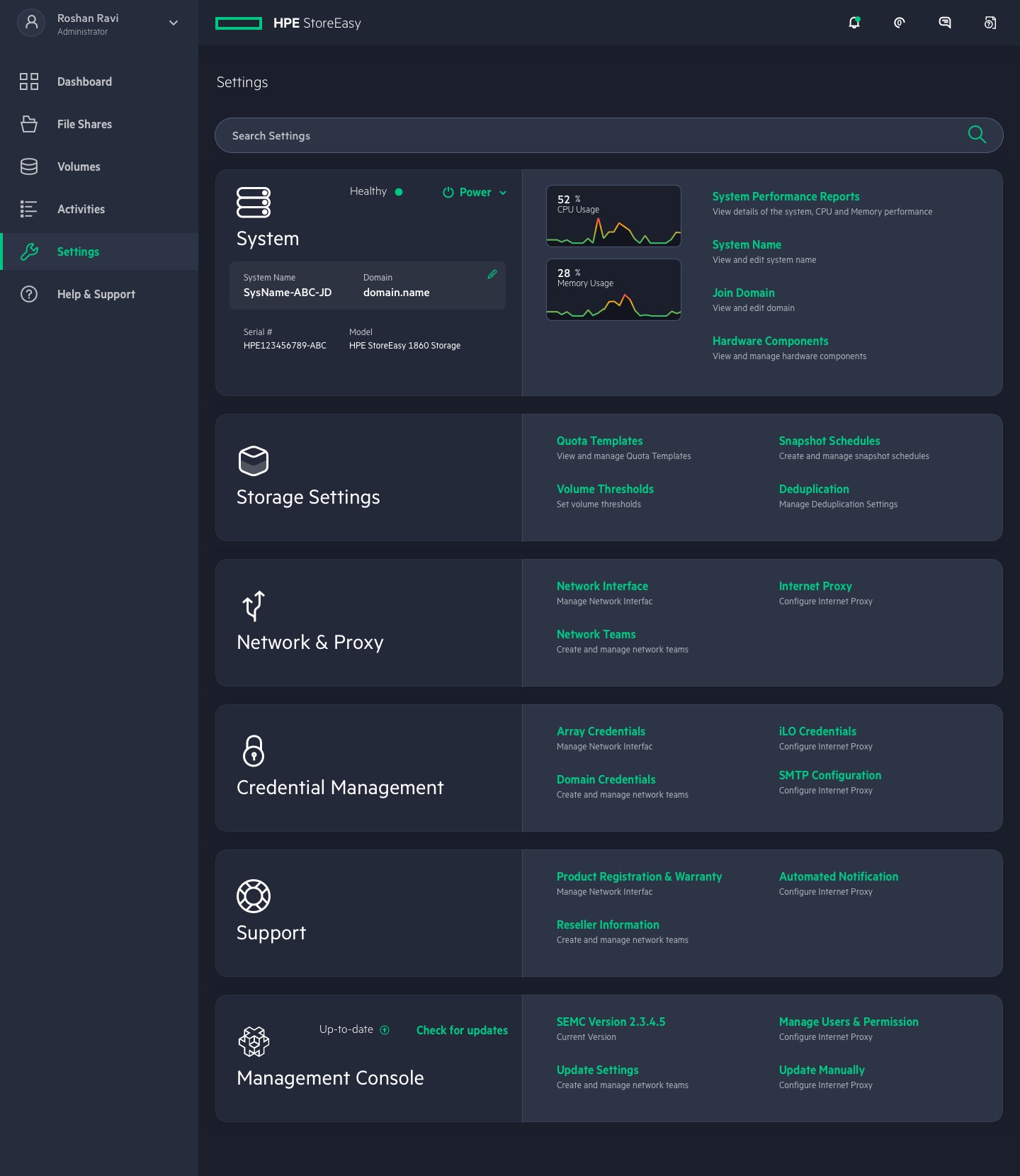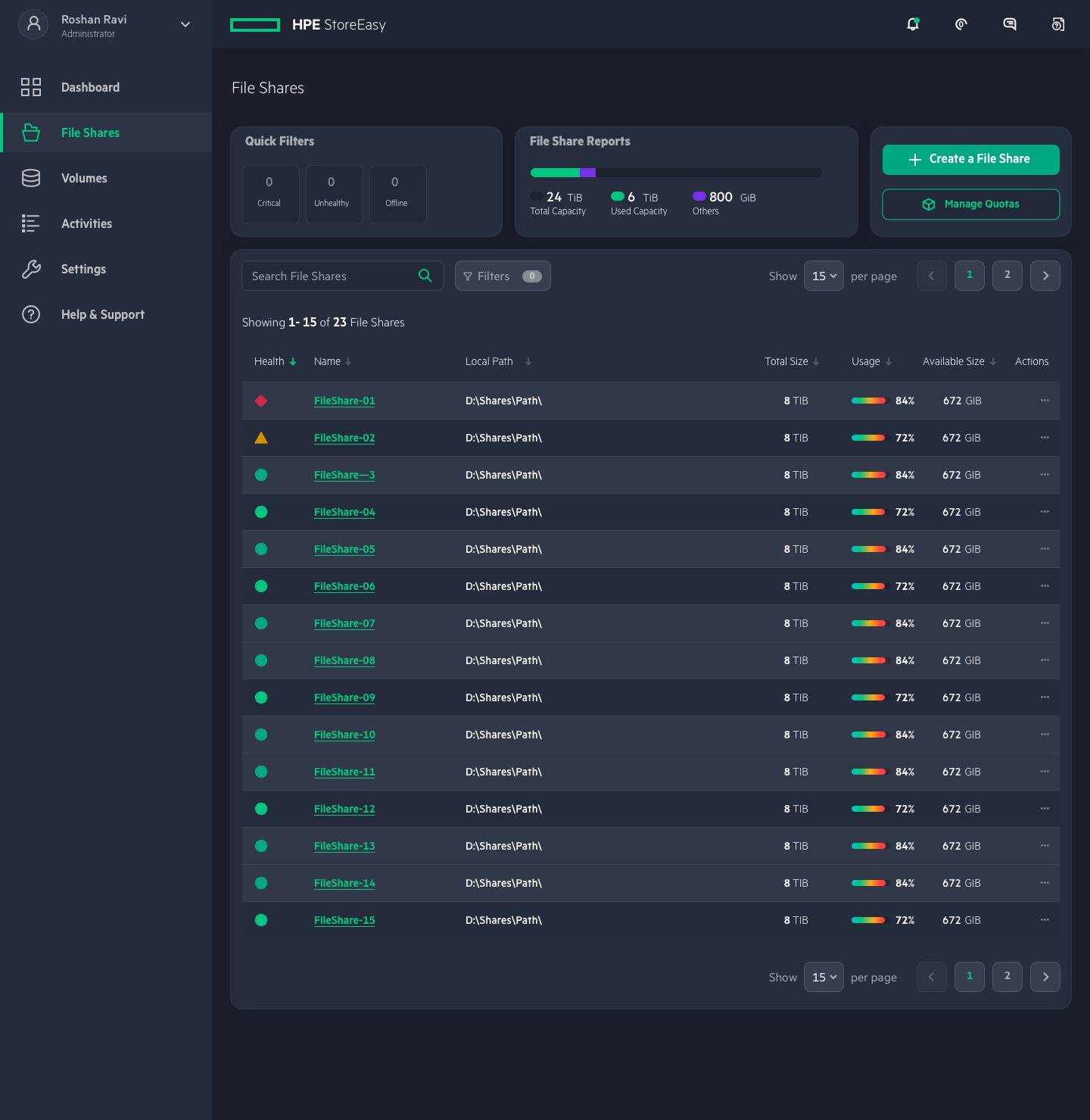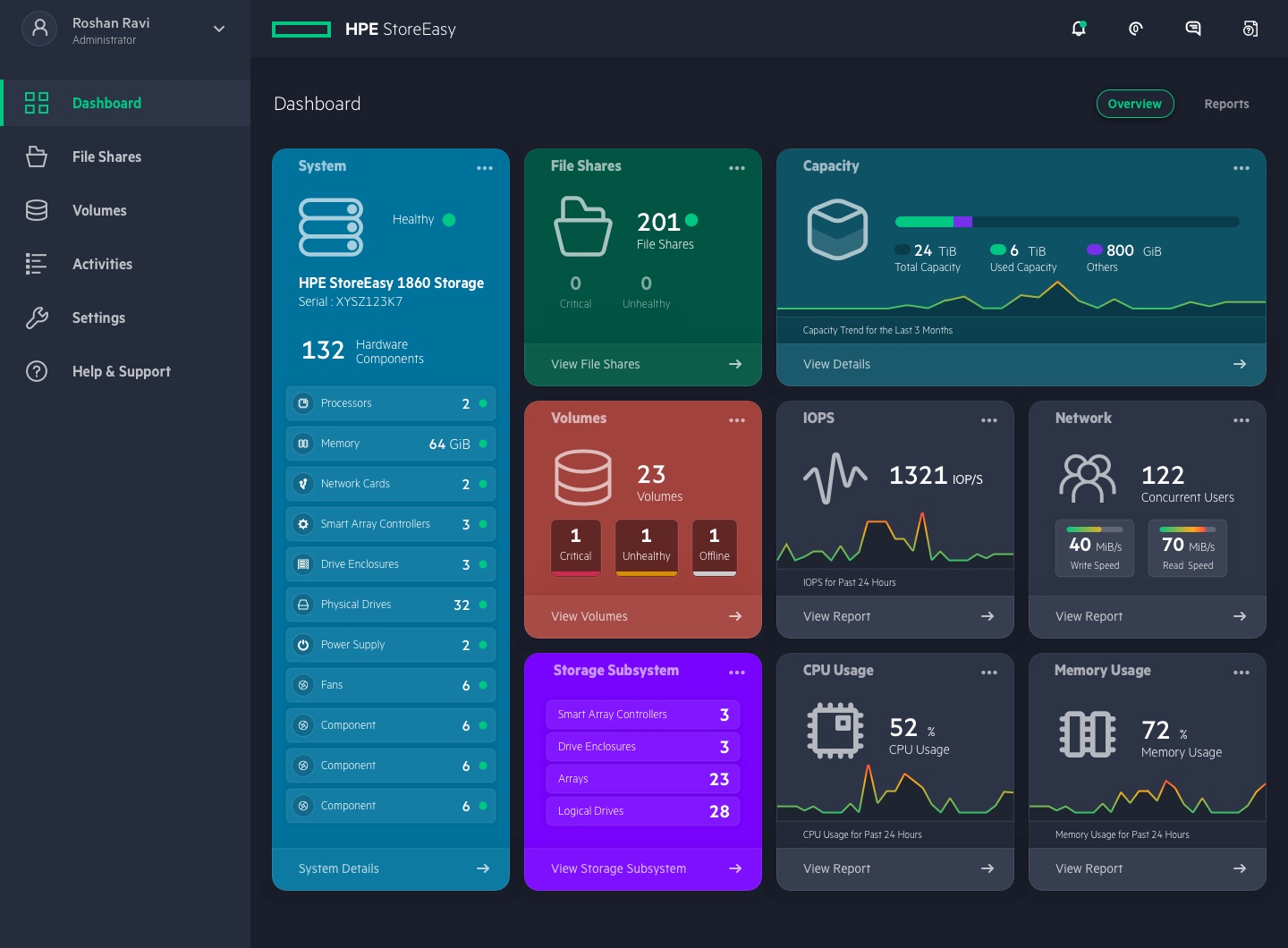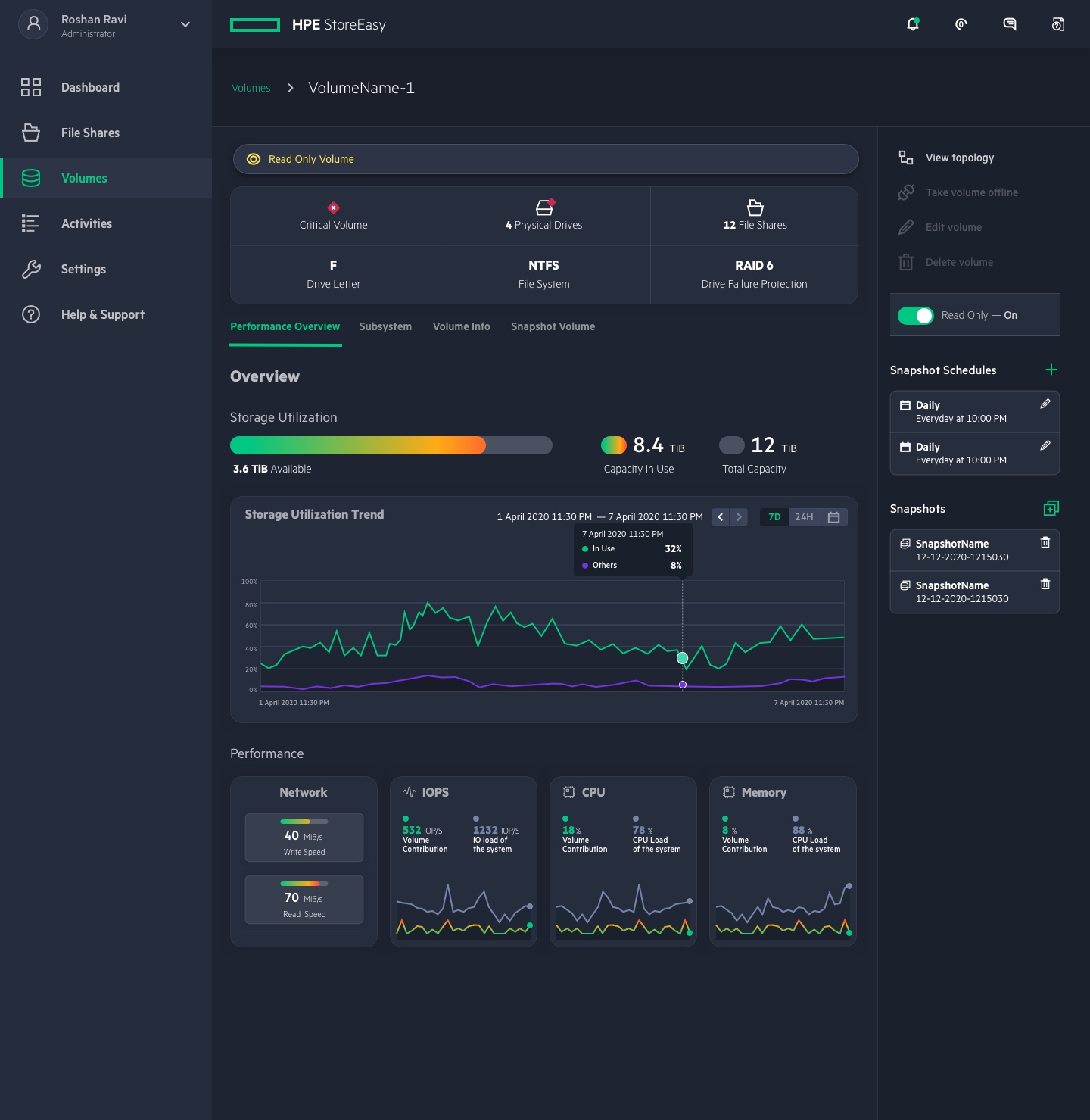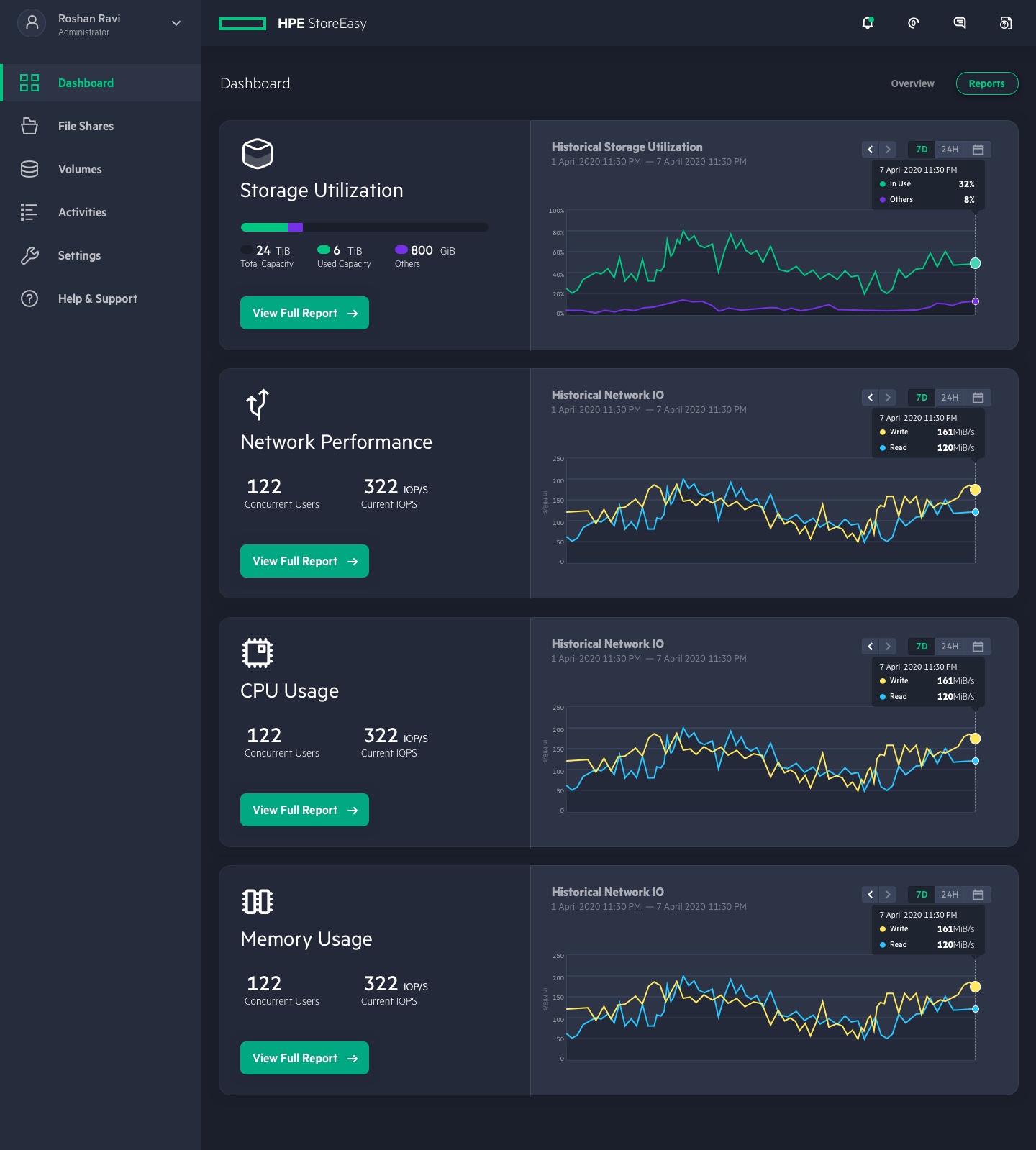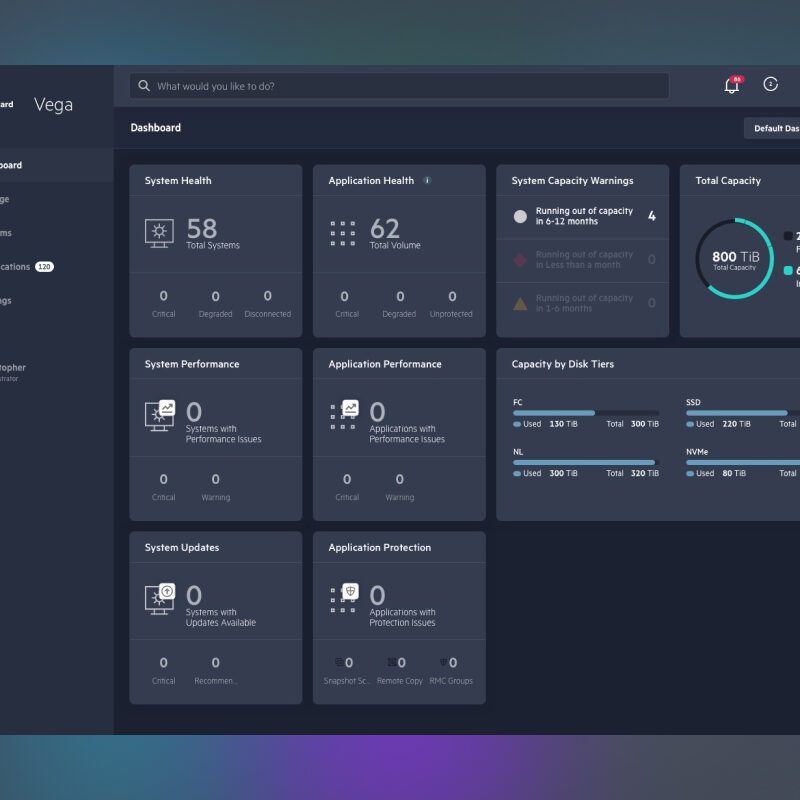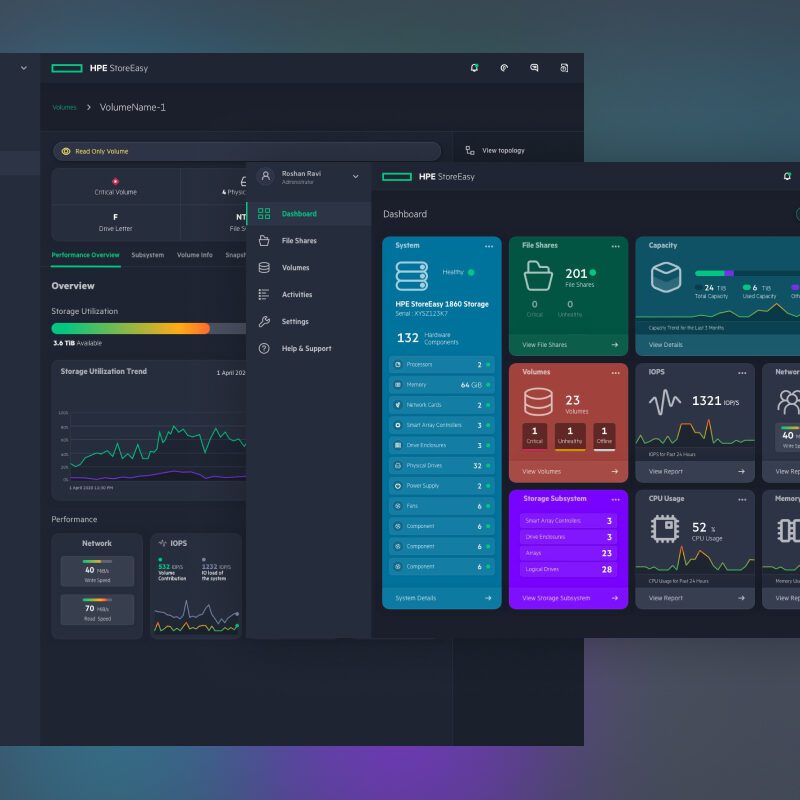
HPE StoreEasy is one of the most popular line of enterprise servers poduced by Hewlett Packard Enterprise (HPE). StoreEasy servers are usually used by small and medium businesses, start-up companies and media and production companies as a simple way to set up a file server for their business needs.
Context
StoreEasy servers comes with a Management Console — a web-based server management application that helps users monitor, manage and control their servers remotely. Initially, the application was built to allow users to monitor the health of the server, the physical drives and other physical components and perform some of the basic tasks like allocating file share spaces, creating virtual disks, etc.
As the server became more popular and was being used by many start-ups to quickly set up and run file servers, HPE decided to build a more robust Server Management Console that allows the users to virtually do all the tasks as well as monitor the performance using predictive analytics.
My Role
I was hired by HPE in 2018 specifically for this project. As the team was small and nimble, I was the sole UX professional working on the project, handling both research and design.
Analytics Audit
The telemetry data from the management console helped in auditing the current experience of the website. It revealed :
- Higher than expected time to task completion
- Higher error frequency
- High Task Abandonment
- Higher average time spent on task
What it meant was:
- File Share creation took unusually longer than doing it from the windows tools – Average of 11 minutes
- File Share creation on a new system took more than 15 minutes
- No guardrails to suggest the minimum number of drives required for RAID levels, which resulted in higher failure rates and errors.
Qualitative Research
While the quantitative research provided the data to support a bad user experience, I also conducted additional qualitative research to understand user needs, get a closer look at how users are interacting with the existing Management Console. (Sample Size: 15)
- Most users were forced to use third-party tools to manage and control the servers
- Most users preferred built-in tools provided by Microsoft Windows to create file shares and perform other related actions
- A small set of users who were using the Management Console found it frustrating and often requested help from the customer support and Product forums on HPE website
Design Delivery
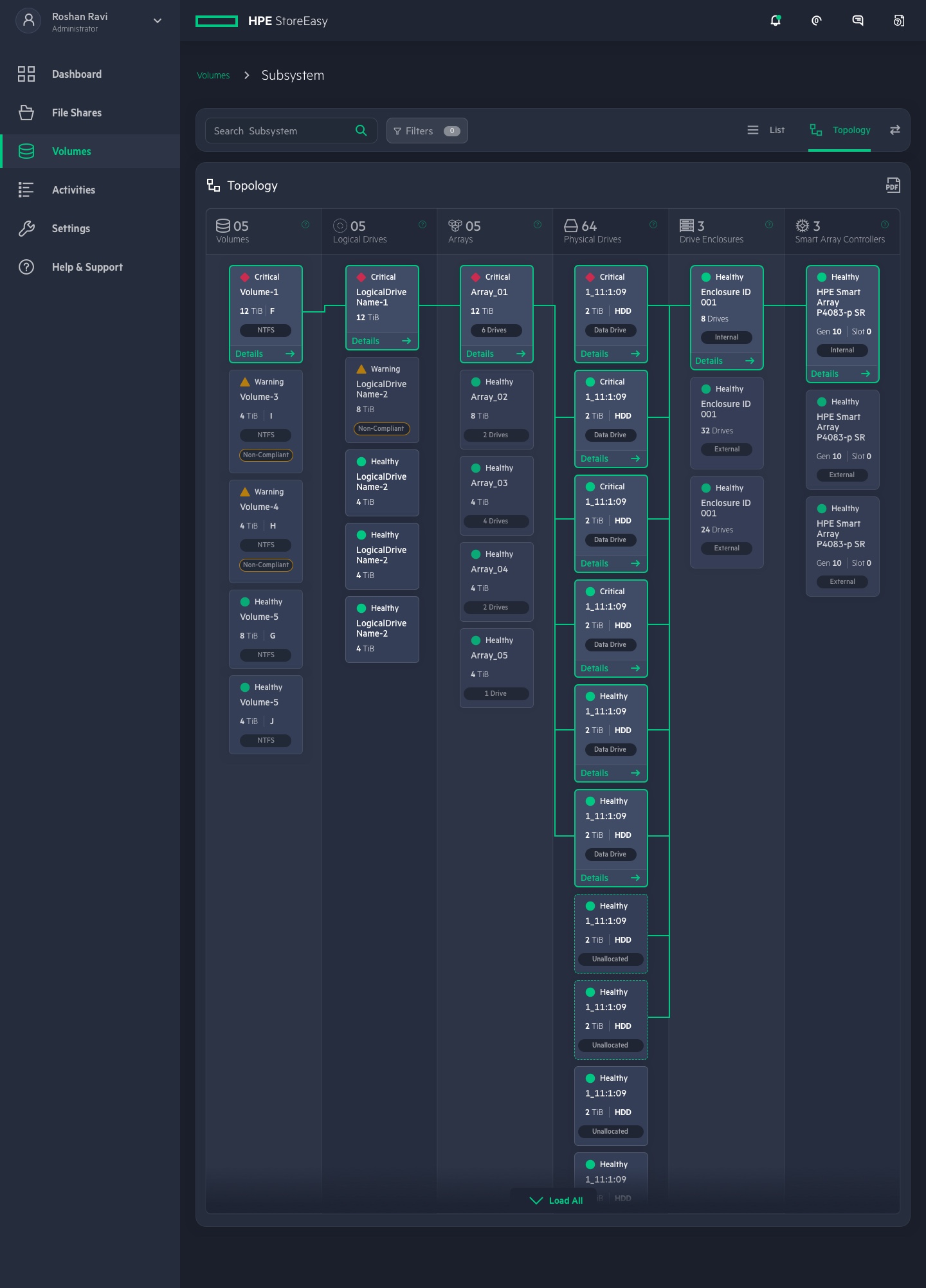
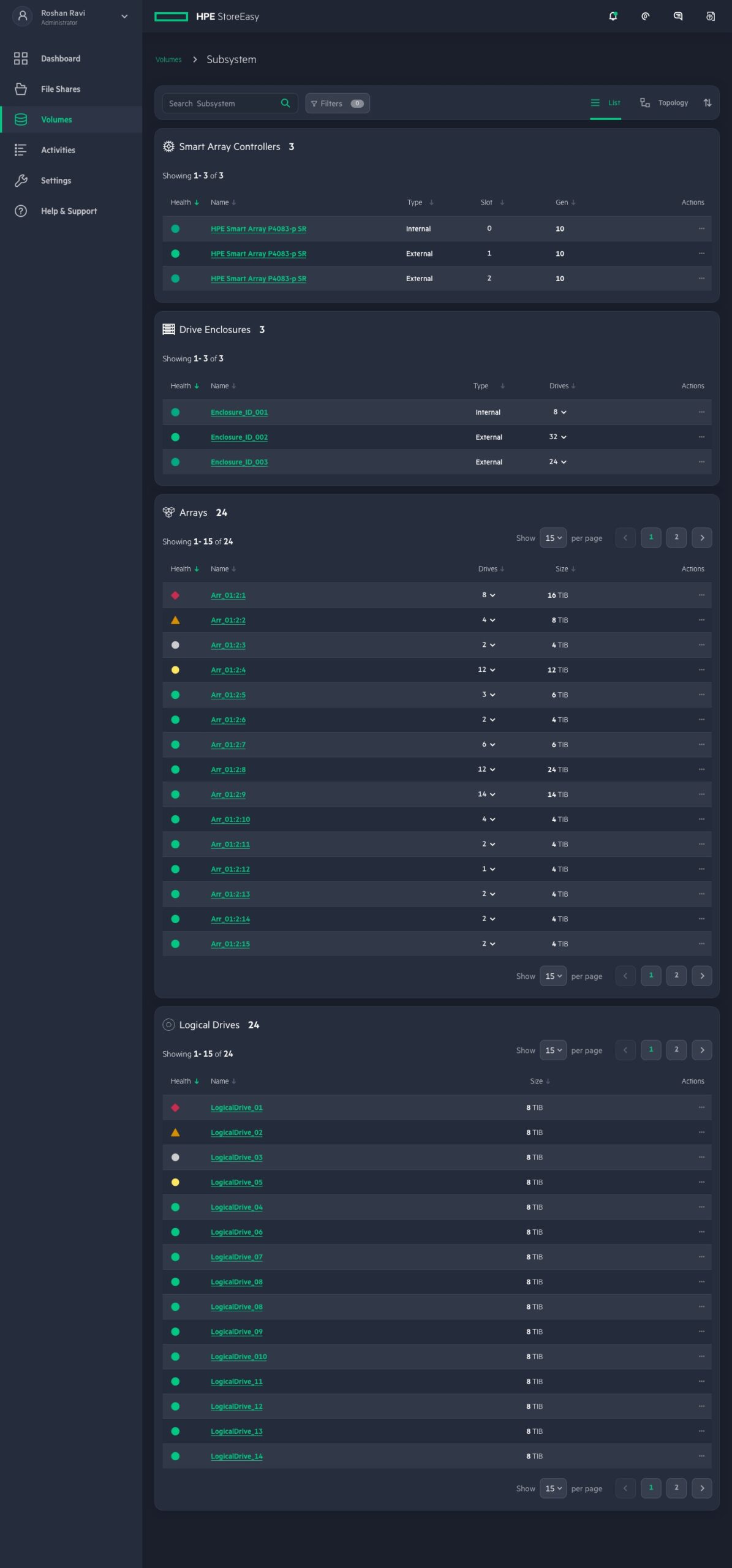
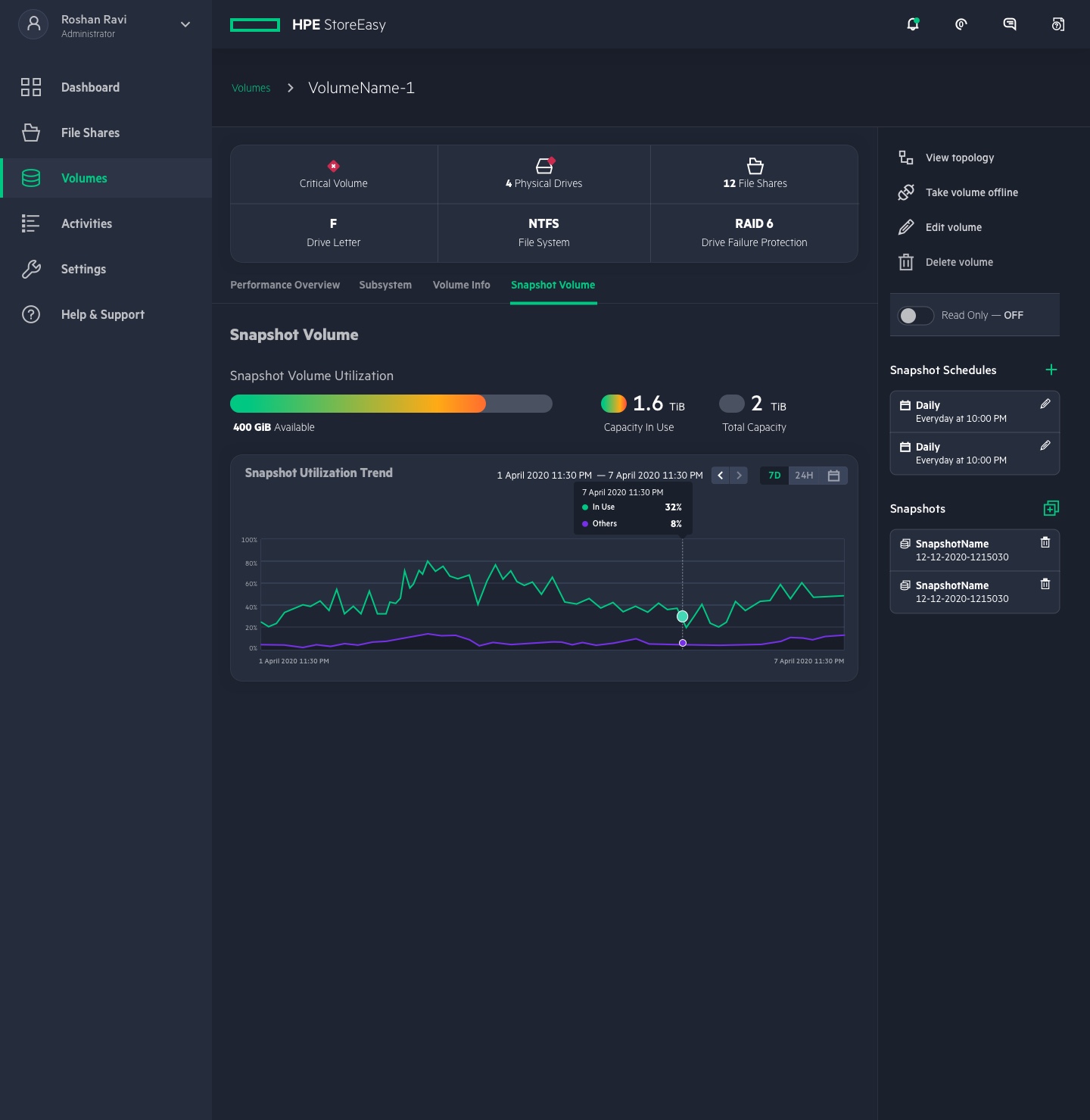
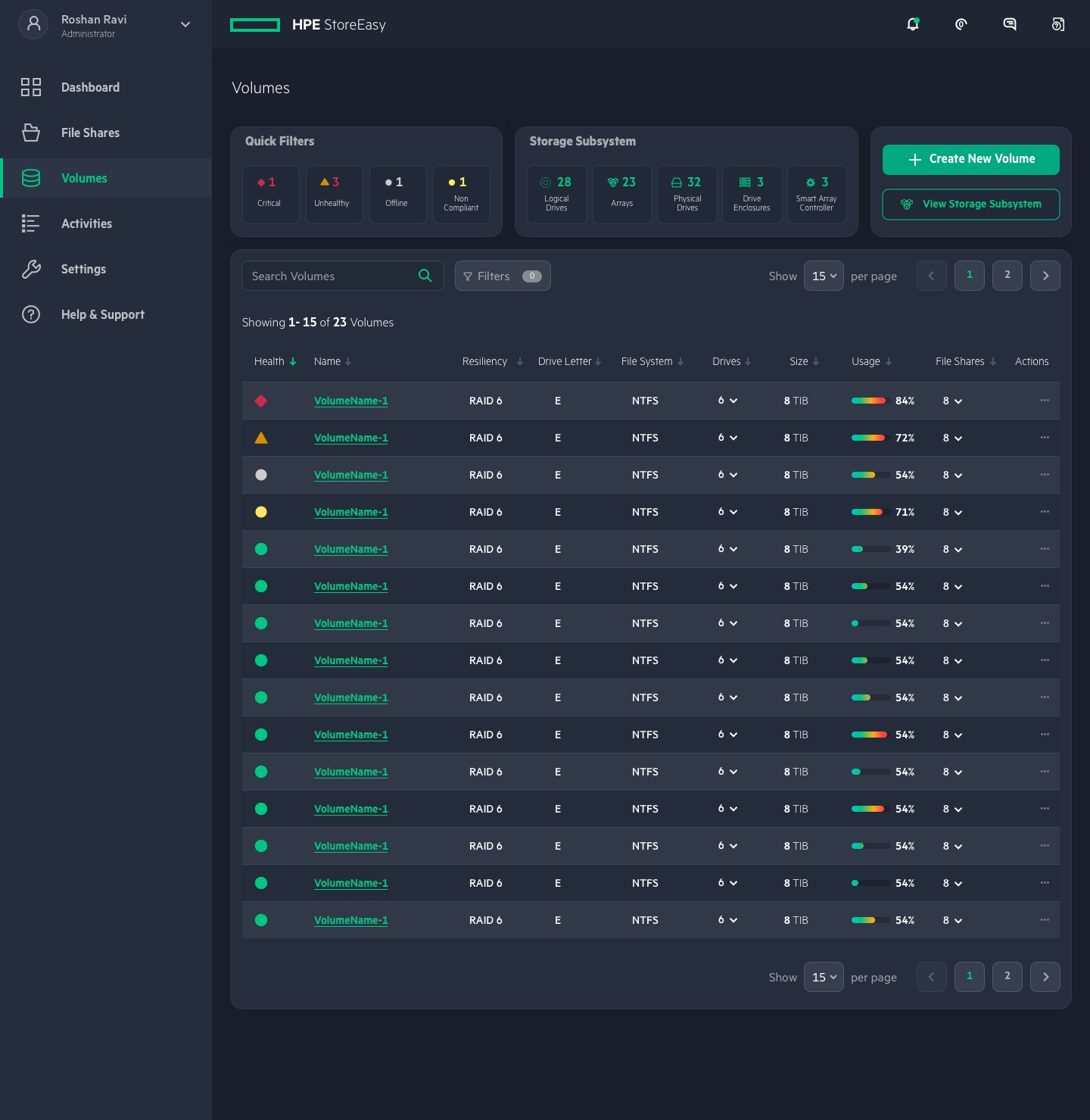
With the insight from the UX Audit and Research, I redesigned the entire application to provide an intuitive user experience. The design process involved the following steps:
- Information Architecture
- Future State User Journey Mapping
- Wireframes
- Technical Feasibility Evaluation
- UI Design
- Prototyping
- User Testing
UI Screens